Ovron Inc is an independent printer repair and support provider. We are not affiliated with, authorized by, or certified by Canon. References to Canon products are for identification purposes only.
Quick Answer
Canon printers report faults through a specific numeric support code rather than a vague light, and a large share of Canon-specific issues trace back to its internal waste ink pad system, which fills over time even on cartridges that show plenty of ink. Most Canon issues resolve remotely for $29–$200, with every repair backed by a 1-year service warrant.
Need Canon printer support that will tell you what the code on the screen means and not just a generic script? Maybe it’s because Canon is one of the few big printer companies that actually tells you what the problem is with a given numeric support code, but two of the most frequently occurring codes (“waste ink full” and a network registration failure) refer to problems that are quite rare in the way that Canon printers are constructed.
Why Canon Printers Show “Waste Ink Full” With Plenty of Ink Left
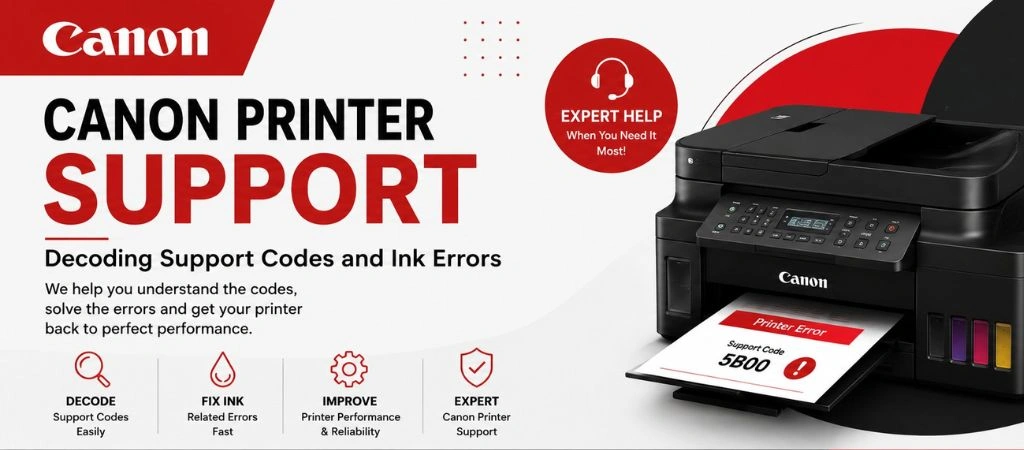
The dreaded waste ink warning is one of the most searched Canon printer support queries. The majority of Canon inkjet printers have an inside waste ink pad which is a sponge-like element that absorbs ink purged from the inside of the printer during the clean and print head maintenance process that is distinct from the actual ink cartridges. The message, ‘Canon ink absorber almost full’ or ‘Canon waste ink tank full’ indicates that, even if the ink cartridges aren’t empty, the pad has reached the point where it has been counted to be full. This is a maintenance counter, not necessarily a failed printer; a Canon printer technician can perform a Canon ink absorber full reset, and for most printers, the Canon ink absorber pad can be cleaned and/or replaced, not the printer.
This particular fault is where many Canon owners encounter pressures. Canon’s official support for an absorber full message only includes warranty replacement, and when owners look into the Canon printer manual they will find a lot of threads in the forums from people who were quoted the hundreds of dollars to open the printer before they even did. The failure of the pad is not some mysterious or unfixable failure but a low cost part — the service is in correctly resetting the counter and accessing.
Two of the most frequently seen waste ink codes are Support Code 1700 — a warning that the absorber is almost full and printing can continue temporarily — and Support Code 5B00, which is the full lockout stage where the printer refuses to function until the counter is reset. Both codes refer to the same waste ink absorber system and require the same reset process. If your screen shows either of these codes, it does not mean your printer is broken — it means the maintenance counter needs to be cleared by a technician.
Canon Printer Dropping to Offline After a Network Change
One of the most frequent cause of printer issues that people will contact Canon printer support is that they have an unexpected printer offline status. The registration process is possible via Canon’s IJ Network Device Setup Utility, and it can be silently broken following the exchange of a router, a Windows update, or a lengthy time period of offline operation — even the printer is physically connected to WiFi. Reinstalling Canon’s full driver package and re-running the network setup utility re-registers the printer and usually this is sufficient to cure this, without touching the printer.
Canon Printer Repair Cost Near You
When searching for canon printer repair near me, you will mostly get the directory listings which you need to call on a one-by-one basis and get the cost. Knowledge of the cost of Canon printer repair is important — Ovron usually charges $29 to $200 for support-code/l.network issues and network repair is done remotely. On-site visits, available separately, are priced at $120 to $500, depending on a specific hardware problem, such as a worn print head or a worn roller. All Canon printer support repairs come with a 1 year warranty.
One Canon Printer at Home vs. an Office Fleet
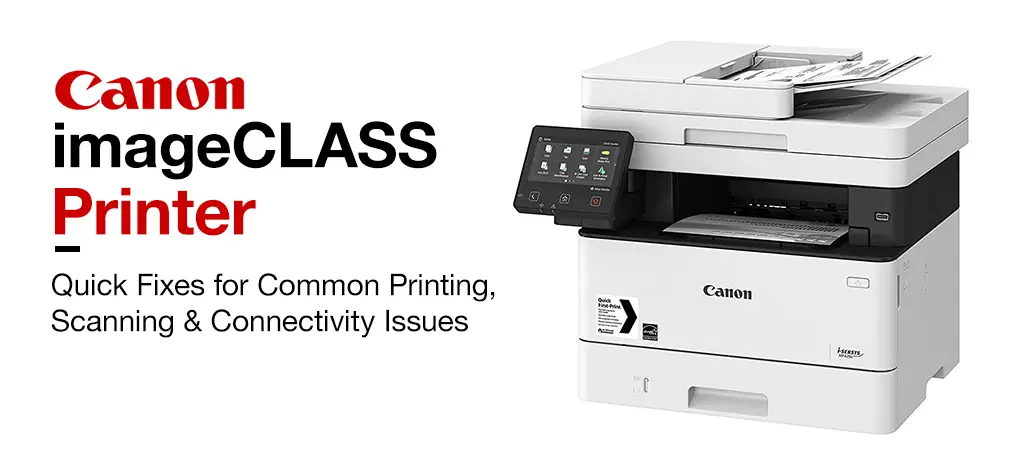
Canon printer support professionals deal with all setups. One Canon PIXMA at the customer’s home receives the same remote diagnosis as a multi-unit Canon imageCLASS office fleet. The value of standardization is where fleets differ: imageCLASS laser MFPs are ubiquitous in small law and medical offices, which need to scan to email; and a Canon-aware maintenance plan ensures uniform toners and provides the office with one telephone number to call instead of having to decode each Canon code. If there is a Canon imageCLASS error on a networked device, the whole workflow within the office can come to a standstill; with Canon printer support on hand, that’s not a thing of the past.
Is That Canon Support Site Actually Canon?
Canon is one of the most commonly impersonated printer brands by fake tech support websites. Fraudulent support pages often appear in search results, advertise unofficial phone numbers, and pressure users into paying for unnecessary repairs or granting remote access to their computers. Before contacting any printer repair provider, it’s important to verify whether you’re dealing with the manufacturer or an independent service company.
It indicates that the printer’s built-in waste ink pad (which collects ink during cleaning, and is not part of your printer cartridges) has been depleted of its counted supply. A maintenance counter, in most cases, a technician can do a Canon ink absorber full reset or service it and not have to replace the pad.
Not necessarily. It’s the most common reason many people think that, because Canon’s instructions are mostly geared towards getting a printer replaced when it’s out of warranty. The Canon PIXMA ink absorber pad is a cheap accessory and the Canon counter reset plus ink absorber pad service is a simple Canon printer support repair job, not a sign that the printer has reached the end of its life.
These points refer to the paper path at various points of the paper path: Canon printer support code 1300 is the front path, Code 1303 is the rear path, and Code 1304 is the duplex printing path.
The majority of can through remote Canon printer support features are available, such as ink recognition errors, network registration failures and waste-ink-counter resets. A code reference to a confirmed worn mechanical component may require an on-site visit.
Canon printer repair cost for remote diagnosis and fixes runs $29 to $200 depending on the issue. On-site visits for confirmed hardware faults, offered separately, run $120 to $500.
Yes. Ovron supports both single Canon PIXMA units at home and multi-device Canon imageCLASS fleets in offices. Home users get the same remote diagnosis experience as business clients, and office fleets can be set up on a maintenance plan with one point of contact for all Canon-related issues.
Conclusion
From a Canon waste ink tank full warning to a Canon imageCLASS error that disrupts your office, to a printer that constantly goes offline, the right Canon printer support can make all the difference between a $30 solution and a printer replacement that you don’t need. Canon support codes should tell you exactly what is the problem and in most cases, since you’ll see the dreaded sounding error message on Canon printer such as ‘Ink absorber almost full’, the solution is to reset the Canon ink absorber as opposed to running to the store for a new printer.
Knowing your Canon printer repair cost in advance, what Canon printer support code 1300 and other codes really mean, and having a trusted, independent technician to troubleshoot at your desk, or in your office, whether for a single Canon PIXMA ink absorber problem or a Canon fleet of imageCLASS devices, is what will keep your workflow going.
Ovron Inc offers independent, remotely located Canon printer repair services for U.S. households and enterprises, including a 1-year service warranty on every repair. No matter the issue — from a waste ink absorber reset to a network registration failure — our technicians diagnose and resolve Canon printer problems remotely, with transparent pricing and no unnecessary replacements.