Canon imageCLASS error codes seem confusing at first. A bunch of numbers that don’t make sense. But they’re easier to understand than you might think. Once you know where to find the meaning they don’t take long to figure out. This is a guide that covers common codes, toner cartridge chip issues and a reliable network reset process. The guide will walk you through codes explain toner cartridge chip issues and show you a reliable network reset process. Brother printers use a similar chip system. See our Brother toner not recognized guide for a comparison.
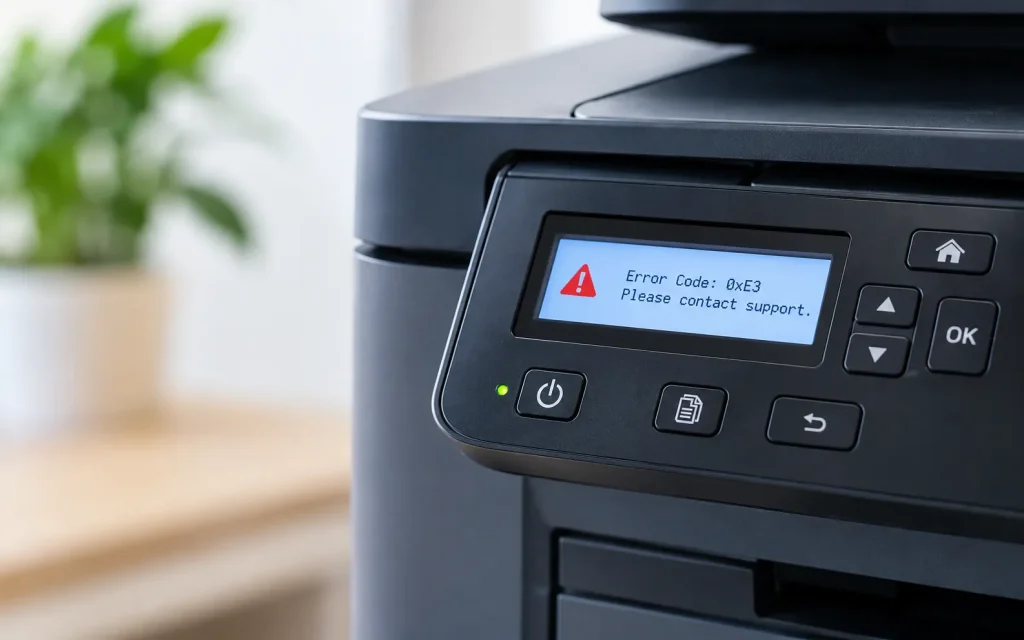
Canons imageCLASS line shows error codes as a string of numbers, on the control panel display. I find it intimidating if I do not know that error codes map directly to a specific documented issue. The manual, for each imageCLASS model contains an error code table. Checking that error code table rather than guessing or assuming the worst—solves the “what does this even mean” step in under a minute. These are the most common Canon printer error codes
Reading Canon imageCLASS Error Codes
Code pattern
General category (verify against your model’s manual)
Codes starting with #099x
Often related to paper feed or paper path issues
Codes starting with #080x
Frequently network or communication-related
Codes starting with #59xx
Commonly tied to toner cartridge detection issues
Codes starting with #22xx
Often scanner or document feeder related on multifunction models
Code numbering varies by exact model — always confirm against your specific manual
The general categories above are patterns seen across multiple imageCLASS models, but Canon’s exact code assignments differ between models and firmware versions. Treat this table as a starting orientation, not a definitive reference — the manual for your specific model number is the authoritative source.
Fixing toner cartridge chip recognition issues
Remove the flagged toner cartridge:Open the printer’s front access panel and carefully remove the cartridge triggering the error.
Inspect and clean the chip contacts:A dry, lint-free cloth on the small gold or silver contact area is usually sufficient — avoid any liquid cleaner.
Reinsert firmly and confirm full seating:Listen or feel for the cartridge clicking fully into place — partial seating is a common cause of intermittent recognition.
Close the cover completely and power cycle: Forces the printer to re-read cartridge status rather than displaying a cached error.
Resetting the network connection
Reliable network reset process
Power off the printer and unplug it from power directly, not just standby.
Wait at least 30 seconds before reconnecting power.
Reassign a static IP once reconnected, to prevent this from recurring after future router reboots.
Print a network configuration page to confirm the printer actually received a valid address.
If an error code keeps showing up even after you look at the manual’s error table and try the fix or if the same error code pops up again and again even though you manage to clear it each time that pattern signals a real hardware problem instead of a one‑time hiccup. It is worth having a technician examine the part that the error code points to. Our printer support team can diagnose it remotely or on-site, and whether break-fix or managed support makes more sense for your printers is worth a look if this keeps happening.
The printer’s user manual contains this information in the troubleshooting or error messages section. You can also download a PDF, from Canon’s support site by searching your exact model number.
Not usually the first thing to do. A factory reset also removes custom settings and network configuration so it makes sense to try solutions (like cleaning the chip or resetting the network as mentioned earlier) before going for a full reset.
Not reliably. Even models that are very close, in number can use cartridge specifications. Look at the list of cartridges that are supported by your model instead of thinking it will work just because the model number is similar.
Conclusion and Next Steps
Between checking the model- error table first and knowing the chip-cleaning fix, for cartridge recognition issues most imageCLASS complaints decode and resolve faster than the intimidating-looking error code initially suggests. Once you know how to read Canon imageCLASS error codes, most of them stop being intimidating.