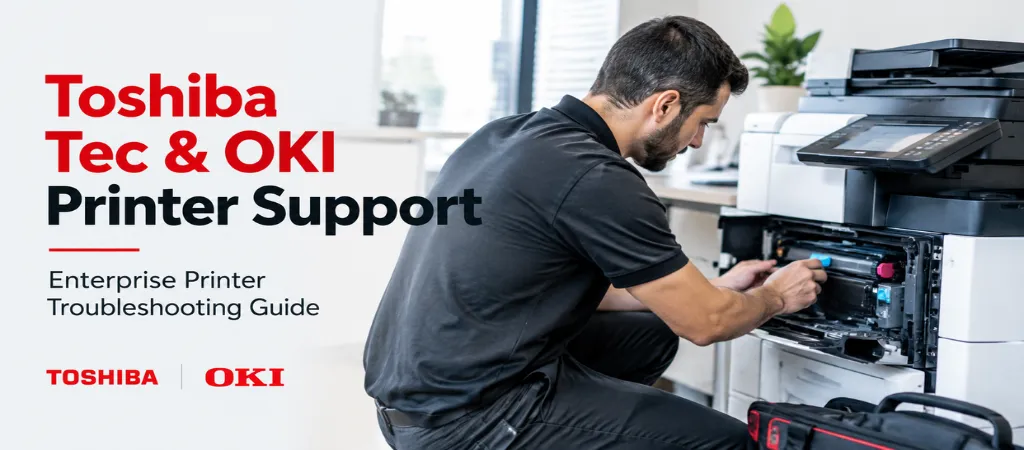
This section discusses common problems with Toshiba Tec and OKI printers used in corporate and enterprise settings, as part of our broader printer support resources. Since many organizations use printers from multiple vendors, the issues covered in this section are issues that organizations face, regardless of which printer vendor is used in which department. These issues include balancing the use of various printers to achieve the volume needed, managing the firmware of various printers, and securing print jobs in a multi-department environment.
Quick Answer
Printers from both vendors used in the enterprise setting face similar challenges. The main challenges include wear and tear of the drum and fuser units, inconsistency in the firmware of the different printers in a fleet due to inadequate rolling updates, and weaknesses in print security in larger organizations.
Issues Specific to Toshiba Tec
Decreased print quality of Toshiba Tec’s e-STUDIO printers is mainly due to wear and tear of the drums and other units a common focus area in Toshiba e-STUDIO support. Decline in print quality is to be expected as components reach their life cycle limit, and End-of-Life should not necessarily be mistaken for a fault. In enterprise situations, components reach End-of-Life much faster than in smaller offices, and ultimately, the components need to be replaced.
Authenticating prints in large organizations is particularly a challenge when the infrastructure of the organization changes. This is often due to configuration issues of the server, and not the printers a frequent theme in Toshiba Tec printer troubleshooting.
Finishing Unit Issues
Jams occurring with some of the advanced finishing accessories available on e-STUDIO devices are different from jams that occur in the main paper path. These jams often require a service call by a technician that is trained on the inner workings of the specific finishing unit.
Color Drift: OKI’s printers have a color drift issue. OKI has designed their printers to have a color calibration feature to help correct color drift. OKI’s color drift is worse than other printing companies that use laser printing technology and is to be expected one of the more recognizable OKI LED printer issues.
LED array issues: OKI’s printers use an LED array to help create printed images. OKI printers have a higher volume than other printers that use a laser printing method, LEDs can drift and affect print quality. LED array drift is to be expected on a printer that is past its expected print volume.
Configuring OKI’s printers on a network: OKI’s printers have a control panel that is designed differently from printers made by Toshiba, Xerox, and others. It is okay for IT staff members to be confused when attempting to adjust a printer controlled by OKI. Our team provides dedicated OKI printer support for exactly these configuration challenges.
High-Volume Wear Patterns Both Brands Share
In enterprise print environments, hardware components are replaced well ahead of the average expectations defined by the component manufacturers. This is because component manufacturers base their averages on normal, expectable use conditions. Hardware components in both Toshiba Tec and OKI devices that are subjected to above average use conditions would benefit from a scheduled preventative maintenance program based on actual use conditions as opposed to waiting for components to fail a core principle of high-volume printer maintenance.
Print Security Considerations for Enterprise Fleets
In enterprise situations where the documents being printed contain sensitive information (e.g. bank or patient records, court documents), print security must be enabled to protect sensitive information. Some of these features may include print data encryption, secure print release (whereby an authenticated user releases a print job), and/or hard drive encryption. Both OKI and Toshiba Tec devices may be configured to protect print security out of the box; however, these features may not always be activated by the manufacturer.
Fleet-Wide Firmware and Driver Management
A consistent firmware version across the devices in a print fleet allows for reliable integration with print management applications and improves the overall security posture of the print fleet. The unexpected integration issues and security concerns across the print fleet can be reliably resolved through a structured approach to business printer fleet management.
When Repair Is Better Than Replacement
When dealing with an enterprise fleet, the repair vs. replace decision can be determined by analyzing page counts, recent repairs, and what is failing (fuser, drum, LED array). Replacing a device that requires numerous repairs, especially if those repairs are for different causes of failure, is normally a better decision than replacing a device that only required a single repair — one of the judgment calls involved in enterprise printer repair.
Support Provided by Ovron, Inc.
Ovron Inc provides replacement parts and supports devices for all major business printer brands, including Toshiba Tec and OKI, backed by broader copier support. Further, Ovron Inc offers Managed Print Services to support enterprise fleets. Services include proactive maintenance and management of prints and firmware for various printer devices.
As mentioned earlier, devices, especially printers, are designed to have a rated life. Manufacturers of devices typically base their specs on moderate, or less, volume. Therefore, in enterprise fleets, it is common to see printers lose print quality faster, due to wear and tear. The best way to determine the cause of print quality loss is to analyze page counts and determine if it is greater than the rated life.
OKI printers consist of a group of LEDs to create an image. If the print quality is not consistent, it may be because the LEDs are not properly aligned. Like other printers, continued use of the device may cause components to wear out, and eventually lead to the failure of the printer; however, for an OKI device, if print quality is consistently poor, it may be because the LED array has failed one of the more common printer error codes situations technicians look for.
Default settings are configured to allow any user to release a printed job. Also, protected data may be transmitted in the clear and/or stored in an unprotected state on the printer’s hard drive. Encryption must be purposely enabled, which is essential for protection of legal, financial and health-related information.
Test firmware updates on a single printer before distributing the update to the rest of the printers in the fleet, and track firmware version numbers on the printers to ensure there is not an out-of-date printer leaving a security vulnerability.
Summary and Next Steps
Printer fleets from Toshiba Tec and OKI require similar print security features and consistency in firmware management across the fleet. These considerations are beyond the scope of printing in a typical business. Proactively managing a printer fleet results in increased business unit up-time.
Are you requiring proactive management of your enterprise printer fleet? Ovron Inc. offers fleet management for Toshiba Tec and OKI printers and other business printing solutions.