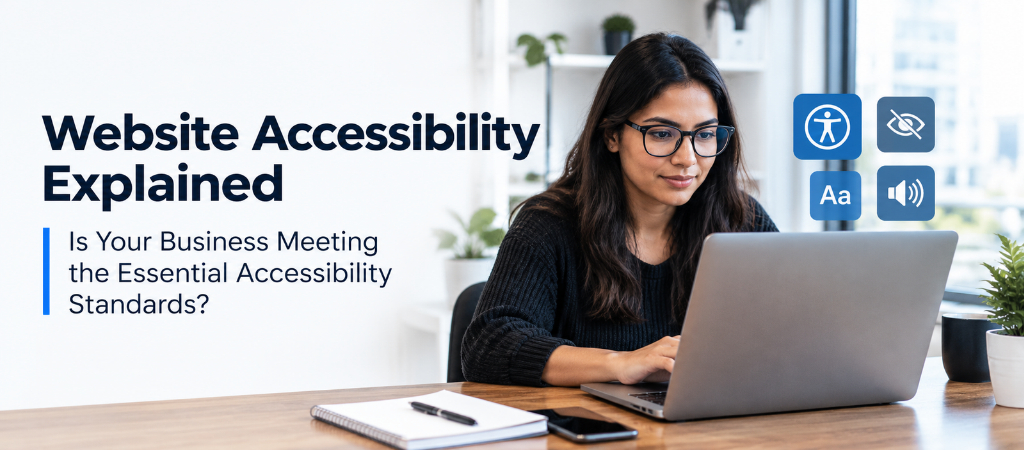
There’s no single official “ADA-compliant” checklist website owners can follow — which is exactly why accessibility gets ignored or over-panicked about in equal measure. Here’s a practical, non-legal-jargon overview of what actually makes a site more accessible, and where the real risk lies.
This is a topic worth being genuinely careful about — I’m not a lawyer, and this isn’t legal advice. What I can offer is a practical, plain-language overview of what web accessibility actually involves technically, since that’s a separate and more approachable question than the legal compliance question itself.
What actually makes a site more accessible
Area
What it means practically
Alt text on images
A short text description for every meaningful image, read aloud by screen readers
Keyboard navigability
Every interactive element (links, buttons, forms) reachable and usable without a mouse
Color contrast
Sufficient contrast between text and background so low-vision users can read it
Descriptive link text
Links that say what they lead to (“view pricing”) rather than vague text (“click here”)
Proper heading structure
Headings that follow a logical order, which screen reader users rely on to navigate a page
Captions or transcripts for video/audio
Content accessible to users who are deaf or hard of hearing
Code numbering varies by exact model — always confirm against your specific manual
The general categories above are patterns seen across multiple imageCLASS models, but Canon’s exact code assignments differ between models and firmware versions. Treat this table as a starting orientation, not a definitive reference — the manual for your specific model number is the authoritative source.
Where the real legal risk actually comes from
Without offering legal advice, it’s worth noting the practical pattern: ADA web accessibility lawsuits and demand letters have become more common in recent years, and they tend to target sites with clear, easily-demonstrated gaps — missing alt text, keyboard traps, unlabeled form fields — rather than sites making a genuine, ongoing effort with minor remaining issues. This doesn’t eliminate risk for any business, but it does suggest that visible, genuine effort matters, not just theoretical perfection.
A practical starting process
Run an automated accessibility scan: Free and low-cost tools can flag a meaningful share of common issues automatically — a useful first pass, though not a complete audit on their own.
Test keyboard-only navigation manually: Try navigating your own site using only the Tab key — this surfaces issues automated scans often miss.
Fix the highest-impact, lowest-effort issues first: Alt text, link text, and heading structure are usually quick wins compared to deeper structural or interactive-element fixes.
Build accessibility into the ongoing content process: A one-time fix drifts out of compliance as new content gets added without the same care — making it part of the regular publishing checklist keeps it current.
Quick checklist for new content
Does every meaningful image have descriptive alt text?
Do links describe their destination rather than saying “click here”?
Are headings used in a logical order, not just for visual size?
Is text contrast sufficient against its background?
This is a genuinely legal question that depends on specific facts about your business, and I’d encourage consulting an attorney for a definitive answer rather than relying on general guidance here.
They represent increasing levels of conformance, with AA being the most commonly referenced practical target — AAA includes additional criteria that are often difficult to meet for all types of content and aren’t typically expected as a baseline.
No — automated tools catch a meaningful portion of common issues but can’t evaluate everything (like whether alt text is genuinely descriptive, or whether a complex interactive element truly works for screen reader users). Manual testing remains necessary for a complete picture.
Conclusion and Next Steps
Treating accessibility as a genuine, ongoing practice — not a one-time technical checklist — is both the more defensible approach and, more importantly, the one that actually makes a site usable for more people. The technical fixes themselves are often more approachable than the legal question makes them feel.